
Adventures in first foods
Little tastes.
New discoveries.
A new flavor, a funny face, a little more confidence. Keep track of foods, textures and reactions as your baby explores one taste at a time.

KINONO · YOUR BABY CARE APP
Feeds, sleep, diapers and growing-up moments.
Keep the details
together, and help your family pick up where you left off.
Supports iPhone, iPad and compatible Apple silicon Macs
iPhone
/ iPad require iOS / iPadOS 18 or later


Actual App screens · Demonstration data
LITTLE MOMENTS, ALL TOGETHER
Find the last feed, look back at a nap, or note a new food. Start from the daily overview and keep the details close by.
See today’s care and open a quick recording form.
Actual App screens · Demonstration data
FOR QUIET MOMENTS
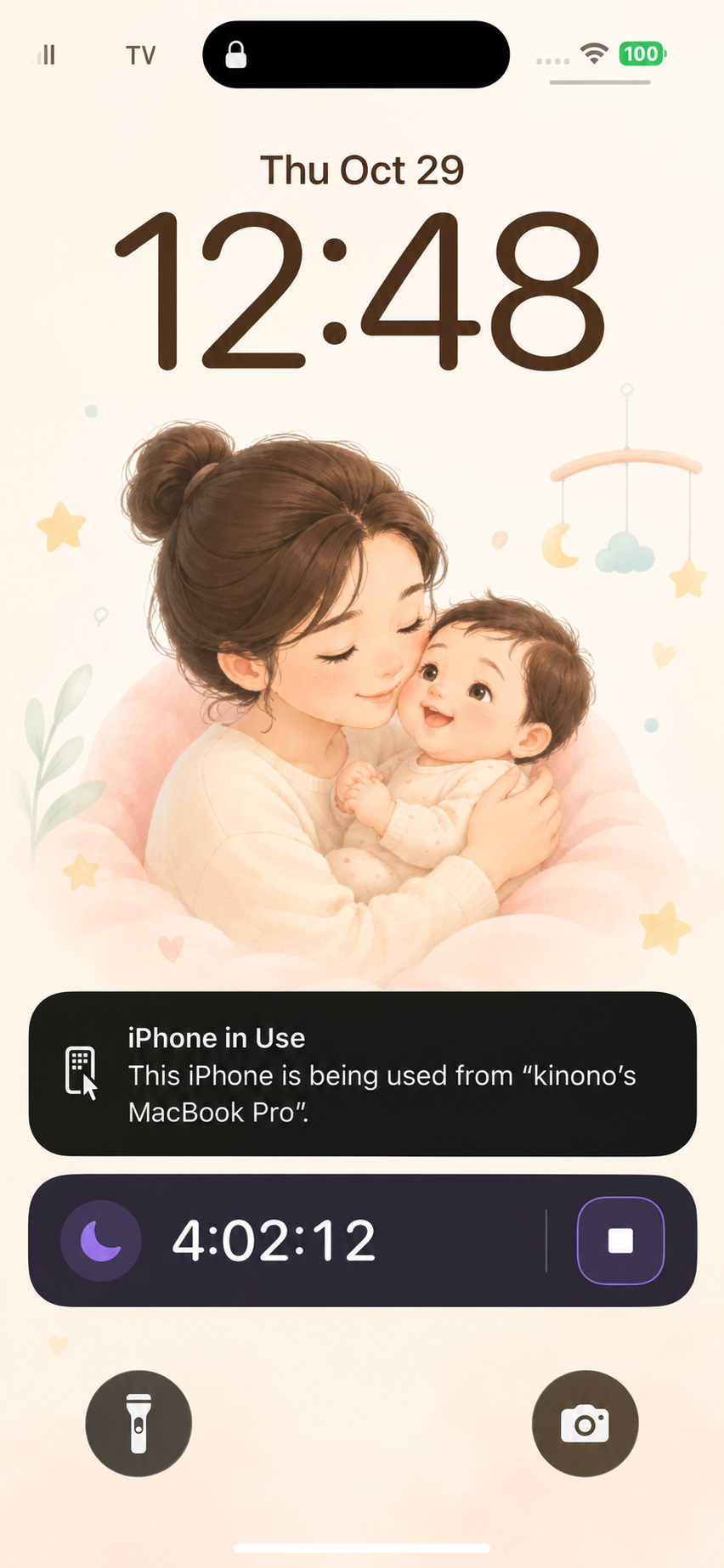
Check the sleep timer on the Lock Screen or Dynamic Island on supported iPhone models.

Sharing setup in the App · Demonstration family
A LITTLE TEAM, A LOT OF LOVE
One caregiver records a feed. The next can check the shared record before taking over. Sign in to invite family and choose access for each baby. Recent records can show the caregiver’s avatar, so your family can see who made each entry.
Shared care requires an account and an accepted invitation. Managing invitations and permissions requires a connection.
GROWING, AT THEIR OWN PACE
New foods, growing bodies and the next checkup. Keep the details that help you care ahead.
Adventures in first foods
A new flavor, a funny face, a little more confidence. Keep track of foods, textures and reactions as your baby explores one taste at a time.
Growth & milestones
From a new measurement to a first little achievement, keep their growing-up moments together and see how far they’ve come.

Health & preventive care
Keep visits, vaccinations and health notes close by, so you can prepare for the next checkup and bring your questions along.

Growth charts use WHO Child Growth Standards with the baby’s age and sex. Percentiles show a reference trend, not a diagnosis.
Actual App screens · Demonstration data
Record medication names, amounts, times and observations. Manage schedules and reminders according to your clinician’s instructions.

Switch between baby profiles and keep each child’s care and growth records separate.

Save a backup file from Data management. Review the scope and restore instructions before replacing local data.

Choose who you share with, keep a backup, and understand what happens when you delete your account.
Invite family members and set viewing or editing permissions to suit your care needs.
Save a backup file in the App. Before backing up or restoring, check what it includes.
See which shared records and backups may remain after you delete your account.
A LITTLE MORE EASE
Keep the details close, from daily handovers to preparing for a visit.
See shared care records and the caregiver avatar beside an entry.
Review growth and health records and gather questions for your clinician.
Choose who to share with, save a backup, and check its coverage.
Use the download button to open Apple TestFlight. Install TestFlight if needed, accept the Kinono invitation and install the beta. Available places and build requirements appear on TestFlight.
The current beta does not process payments. Pricing and the paid feature scope for the full release have not been announced.
We have not announced a guaranteed migration path to the full release. Save a backup before changing versions or devices, keep the original file, and follow the release instructions. Contact support before deleting the App if you are unsure.
Yes. Shared care requires sign-in and an invitation. The family owner or an authorized manager controls access. Permissions determine which babies and records a caregiver can view or change.
Local backup files and shared-service backups are different. Do not assume that a backup includes every shared record or photo. See Support for the backup steps and coverage limits; restoring local data can overwrite existing records.
No. Growth charts help you review measurements against a reference. Discuss questions about growth, symptoms or medication with your clinician.
The current Kinono App interface supports English and Traditional Chinese.
Kinono supports iPhone and iPad with iOS or iPadOS 18 or later and can also be used on compatible Apple silicon Macs. Check TestFlight for the available build and device requirements.
YOUR NEXT CHAPTER, TOGETHER
Start with one little moment today.

Install the beta with Apple TestFlight
Download the Kinono beta
Open the installation link
Supports iPhone, iPad and compatible Apple silicon Macs
iPhone
/ iPad require iOS / iPadOS 18 or later